
Computer riddles with answers
I have a screen but no eyes, a keyboard but no fingers, and a mouse but no tail. What am I? 👉 A computer.
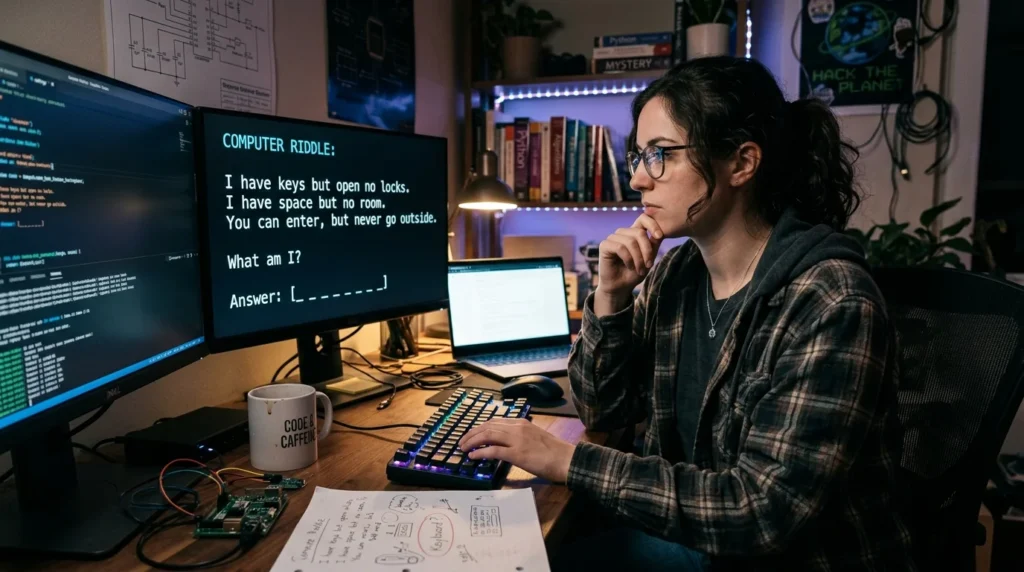
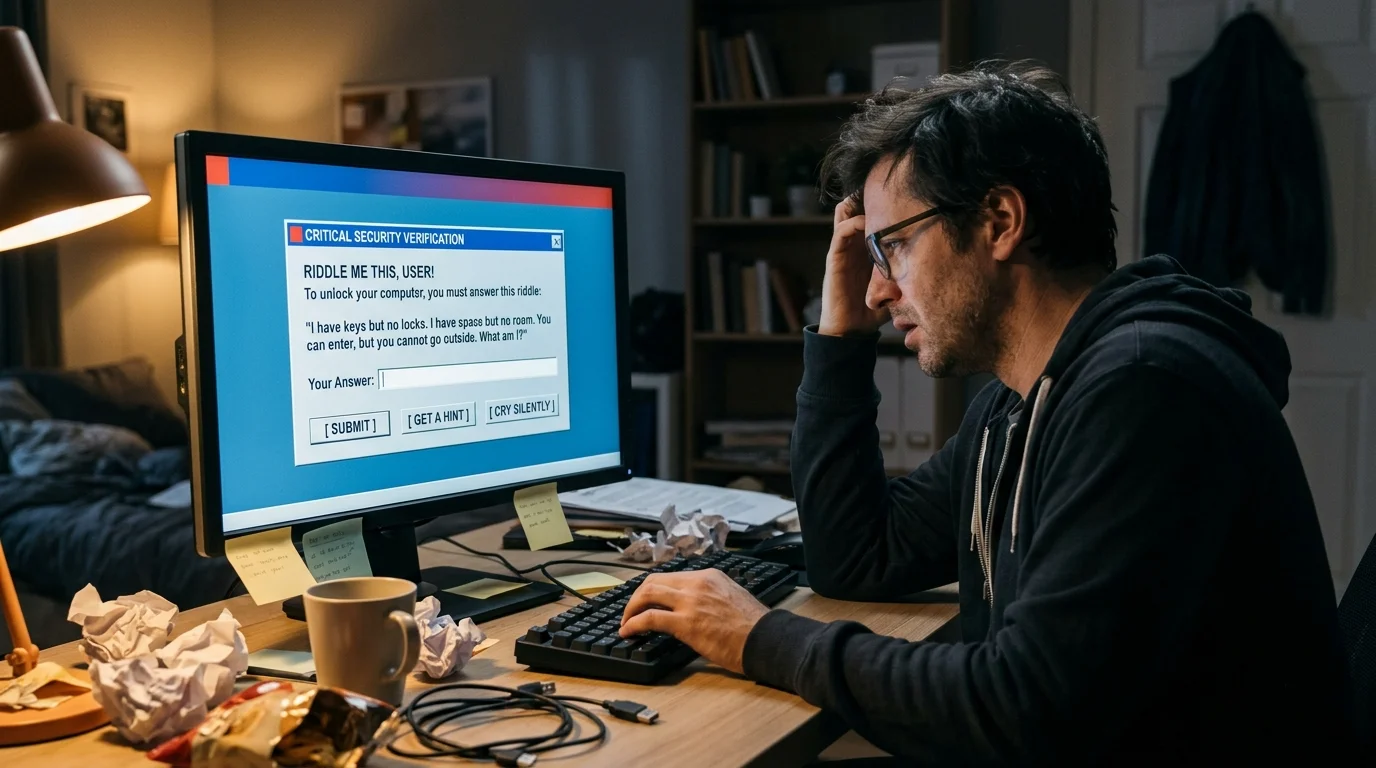
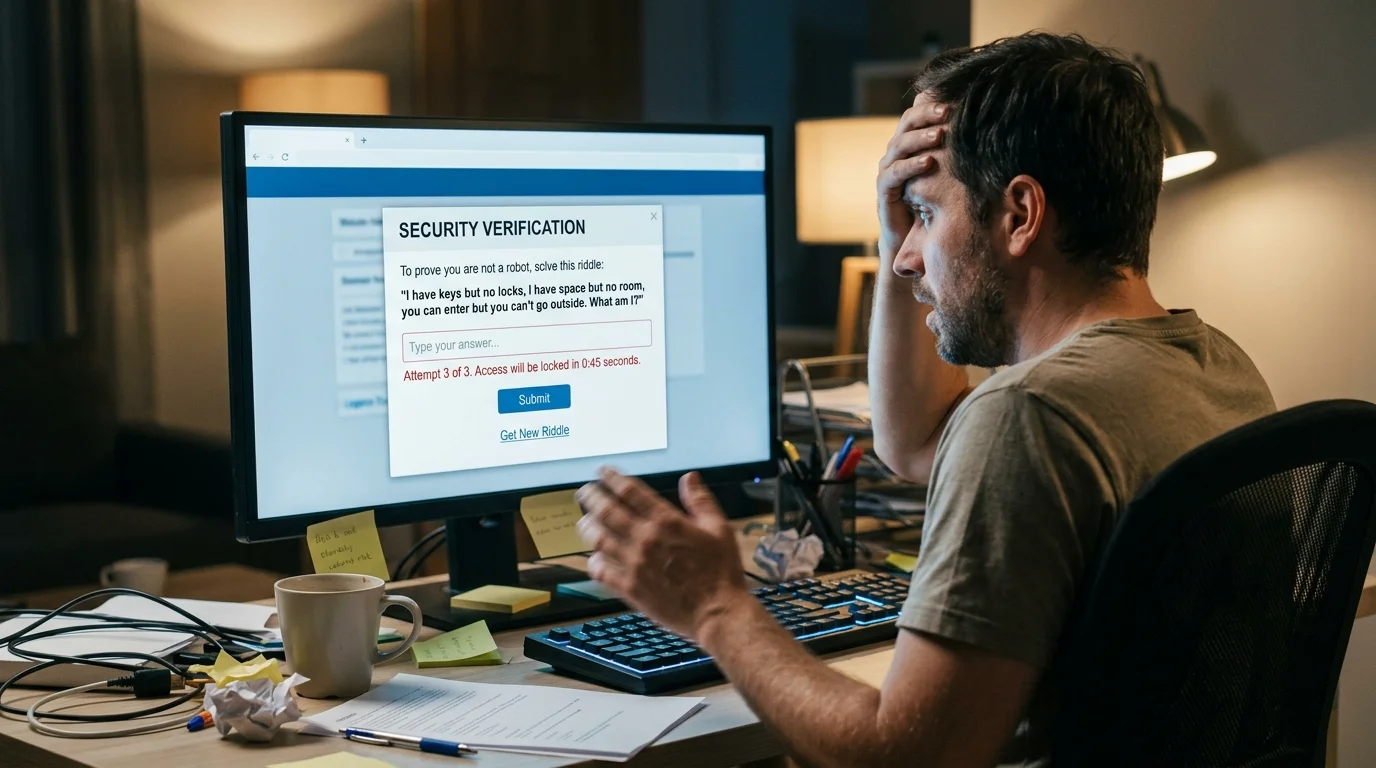
I have many keys but cannot open a single door. You press me to make letters appear. What am I? 👉 A keyboard.
I have a pointer but no hand, and I move when you slide me across a desk. What am I? 👉 A computer mouse.
I store your files, photos, and videos, but you cannot see inside me. What am I? 👉 A hard drive.
I connect computers around the world, helping people share information in seconds. What am I? 👉 The internet.
I am a small symbol on your screen that you click to open a program. What am I? 👉 An icon.
I protect your computer from harmful software and unwanted digital visitors. What am I? 👉 Antivirus software.
I have windows but no walls, and you can open many of me without using a key. What am I? 👉 A computer operating system or desktop window.
I turn your digital documents into paper copies. What am I? 👉 A printer.
I am a secret combination of letters, numbers, or symbols that helps keep your accounts safe. What am I? 👉 A password.
Computer riddles for adults
I can hold thousands of files, yet I weigh almost nothing in your hands. I can be copied without losing the original. What am I? 👉 A digital file.
I remember everything you save but forget nothing until you delete it or lose access. What am I? 👉 Computer storage.
I can be full without holding anything physical, and clearing me may make your computer run more smoothly. What am I? 👉 A storage drive.
I run in the background, manage your computer’s resources, and help applications work together. What am I? 👉 An operating system.
I am a wall between your computer and unwanted network traffic. I am not made of bricks. What am I? 👉 A firewall.
I can be stolen without anyone touching your computer, and changing me can help protect your online identity. What am I? 👉 Your password.
I am a copy of your important files, kept in case the originals disappear. What am I? 👉 A backup.
I may look like a helpful attachment, but opening me can put your system at risk. What am I? 👉 A malicious file.
I measure how quickly a processor handles instructions, but I am not a stopwatch. What am I? 👉 CPU clock speed.
I let you work with several programs at once, but too many open can slow everything down. What am I? 👉 Multitasking.
Computer riddles with answers pdf
These riddles are formatted as text so you can copy them into Word or Google Docs and save them as a PDF.
I have a brain called a processor, but I cannot think for myself. What am I? 👉 A computer.
I am a flat surface that shows pictures, videos, and words, but I am not a painting. What am I? 👉 A monitor.
I can be clicked, dragged, and dropped, but I am not a ball. What am I? 👉 A computer mouse.
I am a collection of instructions that tells a computer what to do. What am I? 👉 Software.
I am physical equipment you can touch, unlike the programs that run on it. What am I? 👉 Hardware.
I travel through cables or the air to connect your computer to a network. What am I? 👉 A network signal or connection.
I am a tiny picture that represents a program, file, or folder. What am I? 👉 An icon.
I help you find websites by turning a web address into a place your browser can visit. What am I? 👉 The Domain Name System (DNS).
I can make your computer safer by fixing weaknesses and improving its software. What am I? 👉 A security update.
I am a set of steps a computer follows to solve a problem or complete a task. What am I? 👉 An algorithm.
How to save these riddles as a PDF:
Copy this section into Microsoft Word or Google Docs.
Add a title and adjust the font or spacing if needed.
Choose File → Save As/Download → PDF.
Computer riddles for kids
I have a screen where you can watch cartoons and play learning games. What am I? 👉 A computer.
I have letters, numbers, and a space bar. You tap my keys to write. What am I? 👉 A keyboard.
I look like a little mouse, but I live beside your computer. What am I? 👉 A computer mouse.
I show pictures and words, but I am not a book. What am I? 👉 A monitor.
I make words and pictures appear on paper. What am I? 👉 A printer.
I am a place on the computer where you keep your pictures and schoolwork together. What am I? 👉 A folder.
I am a tiny picture you click to start a game or program. What am I? 👉 An icon.
I help you visit websites, watch videos, and find information online. What am I? 👉 A web browser.
I am a secret word that helps keep your game or account safe. What am I? 👉 A password.
I am a little blinking line that shows where the next letter will appear when you type. What am I? 👉 The text cursor.
Funny computer riddles
Why did the computer go to the doctor? 👉 It had a virus.
What kind of computer sings? 👉 A Dell.
Why was the computer cold? 👉 It left its Windows open.
Why did the keyboard need a break? 👉 It had been working under too much pressure.
What did the computer say after a long day? 👉 “I need to reboot and relax!”
Why did the mouse sit beside the computer? 👉 It wanted to keep an eye on the cursor.
Why did the computer bring a jacket? 👉 It heard there might be a cold boot.
What do computers eat for a snack? 👉 Microchips.
Why did the computer get into trouble at school? 👉 It kept copying and pasting.
What did one computer say to another at lunchtime? 👉 “Let’s grab a byte!”
Why was the computer always invited to parties? 👉 It knew how to connect with everyone.
What happens when a computer tells a joke? 👉 Someone clicks with laughter.
Why did the computer break up with the printer? 👉 It felt their relationship was too paper-heavy.
What is a computer’s favorite dance? 👉 The disk-o.
Why did the laptop go to sleep? 👉 It needed to recharge its batteries.

⌨️ Easy Computer Riddles for Kids
These simple computer riddles are ideal for young children, beginners, classroom activities, and family puzzle games. Each one focuses on something children may already recognize.
- I have lots of keys but open no doors. What am I? 👉 A keyboard
- I have a tail but I am not an animal, and I help you point around a screen. What am I? 👉 A computer mouse
- I show pictures and words but have no eyes of my own. What am I? 👉 A computer screen
- I can print your homework without holding a pencil. What am I? 👉 A printer
- I wake your computer up when you press me. What am I? 👉 The power button
- I can hold your digital homework without having hands. What am I? 👉 A file
- I can hold many files but never carry a box. What am I? 👉 A folder
- I am a little picture you click to open something on a computer. What am I? 👉 An icon
- I move when your mouse moves, but I never take a single step. What am I? 👉 The pointer
- I can make words appear one letter at a time when you press my keys. What am I? 👉 A keyboard
- I can show a movie, a game, or your homework without being a television. What am I? 👉 A monitor
- I can erase a letter without touching paper. What am I? 👉 The Backspace key
🖥️ Computer Screen and Monitor Riddles
The monitor is like a digital window. It can display pictures, videos, games, documents, websites, and much more. These riddles explore the visual side of computing.
- I have no glass window, yet I can show you many windows. What am I? 👉 A computer screen
- I display colorful pictures without using paint or crayons. What am I? 👉 A monitor
- I am made from tiny dots that join together to create images. What am I? 👉 Pixels
- I can show a photograph without being a picture frame. What am I? 👉 A screen
- I can display a whole world while staying on your desk. What am I? 👉 A monitor
- I may show hundreds of words but never read them aloud by myself. What am I? 👉 A screen
- I can become dark with one command and bright with another. What am I? 👉 A computer display
- I can show a cursor that waits patiently for your next command. What am I? 👉 A monitor
- I have windows but no curtains, icons but no paintings, and a desktop without furniture. What am I? 👉 A computer
- I can make a digital picture look sharp without sharpening a pencil. What am I? 👉 A display
🖱️ Keyboard and Mouse Riddles
The keyboard and mouse are among the most familiar computer input devices. These puzzles use their buttons, keys, and movements to create playful clues.
- I have a space bar but no passengers. What am I? 👉 A keyboard
- I have an Enter key but lead nowhere. What am I? 👉 A keyboard
- I have a Shift key but never change gears. What am I? 👉 A keyboard
- I can make letters uppercase without shouting. What am I? 👉 The Shift key
- I can lock letters in capital form until you unlock me. What am I? 👉 Caps Lock
- I can remove a mistake without using an eraser. What am I? 👉 The Backspace key
- I can move a pointer without having feet. What am I? 👉 A mouse
- I can click twice without making a loud noise. What am I? 👉 A computer mouse
- I travel across a desk while my little arrow travels across a screen. What am I? 👉 A mouse
- I have buttons that can choose things without using your finger directly. What am I? 👉 A mouse
- I can make a new line without drawing a line on paper. What am I? 👉 The Enter key
- I can create a space without moving an inch. What am I? 👉 The space bar
📁 File, Folder, and Storage Riddles
Digital information needs somewhere to live. Files, folders, drives, and storage help keep documents, photos, videos, music, and other information organized.
- I hold a document but have no hands. What am I? 👉 A computer file
- I am a digital cupboard filled with files instead of dishes. What am I? 👉 A folder
- I can store thousands of pictures without needing a photo album. What am I? 👉 Digital storage
- I can be saved without being placed inside a box. What am I? 👉 A digital file
- I can be copied without a photocopier. What am I? 👉 A computer file
- I can be renamed without changing my contents. What am I? 👉 A file
- I can be deleted without being torn into pieces. What am I? 👉 A digital file
- I can contain folders inside folders without needing shelves. What am I? 👉 A computer directory
- I remember information while sitting quietly inside a device. What am I? 👉 Computer storage
- I can hold music, photographs, and homework but never become physically heavier. What am I? 👉 Digital storage
🌐 Internet and Web Riddles
The internet connects computers and people across enormous distances. These riddles turn websites, links, browsers, and online messages into imaginative puzzles.
- I connect people around the world without building roads. What am I? 👉 The internet
- I have pages but no paper and links but no chains. What am I? 👉 A website
- I can take you around the world without moving your chair. What am I? 👉 The internet
- I help you find information by searching words instead of digging through bookshelves. What am I? 👉 A search engine
- I can take you from one webpage to another with a click. What am I? 👉 A hyperlink
- I can be typed into a browser to find an online destination. What am I? 👉 A web address
- I can carry information across great distances without having hands. What am I? 👉 A network
- I can deliver a message without needing a stamp or envelope. What am I? 👉 Email
- I can live in a cloud without getting wet. What am I? 👉 Digital data
- I can open many online doors but am not a key. What am I? 👉 A web browser
🔐 Password and Cyber Safety Riddles
Online safety is an important part of modern computer use. These riddles introduce concepts such as passwords, authentication, and digital protection in a simple way.
- I guard your account but never stand beside a door. What am I? 👉 A password
- I am secret, but sharing me can make your account less safe. What am I? 👉 A password
- I can contain letters, numbers, and symbols to protect an account. What am I? 👉 A password
- I check whether you are really you before allowing access. What am I? 👉 Authentication
- I add another security step after you enter your password. What am I? 👉 Two-factor authentication
- I protect a computer network by checking what information can pass through. What am I? 👉 A firewall
- I can be strong without lifting weights. What am I? 👉 A strong password
- I am a digital lock that helps keep unwanted visitors away. What am I? 👉 A security system
- I may arrive as a temporary code and help confirm your identity. What am I? 👉 A verification code
- I should be kept private even though I cannot be locked inside a physical drawer. What am I? 👉 A password
🤖 Coding and Programming Riddles
Coding gives computers instructions. These riddles introduce programming concepts such as code, loops, bugs, algorithms, variables, and debugging.
- I tell a computer what to do but never speak aloud. What am I? 👉 Code
- I am written by programmers and followed by computers. What am I? 👉 A program
- I can repeat instructions again and again without getting tired. What am I? 👉 A loop
- I help a program choose what to do when something is true or false. What am I? 👉 An if statement
- I am a mistake in software, but I am not an insect. What am I? 👉 A bug
- I help programmers find mistakes without using a magnifying glass. What am I? 👉 Debugging
- I can store changing information under a name. What am I? 👉 A variable
- I am a step-by-step method for solving a problem. What am I? 👉 An algorithm
- I am a special language used to give computers instructions. What am I? 👉 A programming language
- I can turn a programmer’s instructions into actions on a screen. What am I? 👉 Code
🧠 Tricky Computer Riddles for Teens and Adults
These computer brain teasers use wordplay and familiar technology terms in unexpected ways. Read carefully because some answers depend on a double meaning.
- I can crash without falling down. What am I? 👉 A computer program
- I can freeze without becoming cold. What am I? 👉 A computer
- I can have a virus without having a fever. What am I? 👉 A computer
- I can have memory but forget nothing from childhood. What am I? 👉 A computer
- I can run without having legs. What am I? 👉 A program
- I can have a desktop but no desk. What am I? 👉 A computer
- I can have windows without glass. What am I? 👉 A computer
- I can reboot without getting sleepy. What am I? 👉 A computer
- I can have a bug without crawling on six legs. What am I? 👉 Software
- I can use a cloud without seeing a single raindrop. What am I? 👉 Cloud computing
- I can lose memory without forgetting a person’s name. What am I? 👉 A computer
- I can shut down without closing a door. What am I? 👉 A computer
😂 Funny Computer Riddles and Tech Jokes
Sometimes a computer puzzle does not need to be difficult to be fun. These lighthearted riddles are ideal for sharing with friends, classmates, coworkers, or family members.
- Why did the computer go to school? Because it wanted to improve its byte-sized knowledge. 👉 A computer
- What did the keyboard say to the computer? “You are just my type.” 👉 A keyboard joke
- Why did the mouse stay near the computer? Because it liked to click with it. 👉 A mouse joke
- Why did the printer join the conversation? It wanted to make an impression. 👉 A printer joke
- Why did the computer need a snack? It had too many cookies open. 👉 A computer joke
- Why did the laptop bring a jacket? It heard the network was getting chilly. 👉 A laptop joke
- Why was the computer calm during the storm? It had excellent backup plans. 👉 A computer joke
- Why did the computer take a break? It needed to recharge its thoughts. 👉 A computer joke
- Why did the keyboard never get lost? It always knew where its keys were. 👉 A keyboard joke
- Why did the computer love music? It had plenty of good bytes. 👉 A computer joke
🏫 Computer Riddles for Classroom Activities
Computer riddles can make technology lessons more interactive. Instead of simply naming computer parts, students can discover them through clues. This approach encourages them to listen carefully, discuss possibilities, and explain their reasoning.
Teachers can place one riddle on the board as a warm-up activity. Students can solve it individually before comparing answers with a partner. For older learners, the class can explore more advanced riddles involving algorithms, networks, programming, and cybersecurity.
Another fun activity is to reverse the game. Give students the answer, such as “keyboard” or “algorithm,” and ask them to write their own riddle. This combines technology vocabulary with creative writing.
- I help your computer make sounds, but I am not a singer. What am I? 👉 Speakers
- I make a paper copy of something that began on a screen. What am I? 👉 A printer
- I let devices communicate with each other without everyone speaking aloud. What am I? 👉 A network
- I can capture your voice and send it into a computer. What am I? 👉 A microphone
- I can show your face during an online meeting. What am I? 👉 A webcam
- I can connect a device to the internet without a traditional network cable. What am I? 👉 Wi-Fi
- I can make a presentation appear on a large classroom wall. What am I? 👉 A projector
- I help several devices communicate and share information. What am I? 👉 A network
- I can send sound into headphones instead of classroom speakers. What am I? 👉 An audio connection
- I can turn a student’s typed work into a printed page. What am I? 👉 A printer
🎮 Computer Game and Technology Riddles
Computers are powerful entertainment machines. Games combine code, graphics, sound, controls, and stored progress to create interactive experiences.
- I can create an imaginary world using code and pictures. What am I? 👉 A computer game
- I can make a character jump when you press a button. What am I? 👉 A game command
- I keep your progress safe after a long gaming session. What am I? 👉 A saved game
- I can stop a game temporarily without turning off the computer. What am I? 👉 A pause button
- I can give you points without giving you money. What am I? 👉 A game score
- I can make a digital character move when you press a key. What am I? 👉 A game control
- I can create colorful worlds without using physical paint. What am I? 👉 Computer graphics
- I can be downloaded and played but never placed on a shelf. What am I? 👉 A digital game
- I can guide a character through a digital adventure without having a physical body. What am I? 👉 A game controller
- I can be saved after hours of playing so you can return later. What am I? 👉 Game progress
🧰 Computer Hardware and Accessories Riddles
Hardware means the physical equipment you can touch. From processors to USB drives, these components work together to make computers useful.
- I am the brain-like part that processes many computer instructions. What am I? 👉 A processor
- I help a computer work with information quickly while programs are running. What am I? 👉 RAM
- I store information for long-term use. What am I? 👉 A storage drive
- I can carry files in a tiny pocket-sized device. What am I? 👉 A USB flash drive
- I can connect devices while carrying data or power. What am I? 👉 A cable
- I let you hear computer sounds without using room speakers. What am I? 👉 Headphones
- I help keep computer components from getting too hot. What am I? 👉 A cooling fan
- I help a computer create and display complex images. What am I? 👉 A graphics card
- I give a laptop power when it is not connected directly to a wall outlet. What am I? 👉 A battery
- I can connect a computer to electricity but am not an electrical outlet. What am I? 👉 A power adapter